
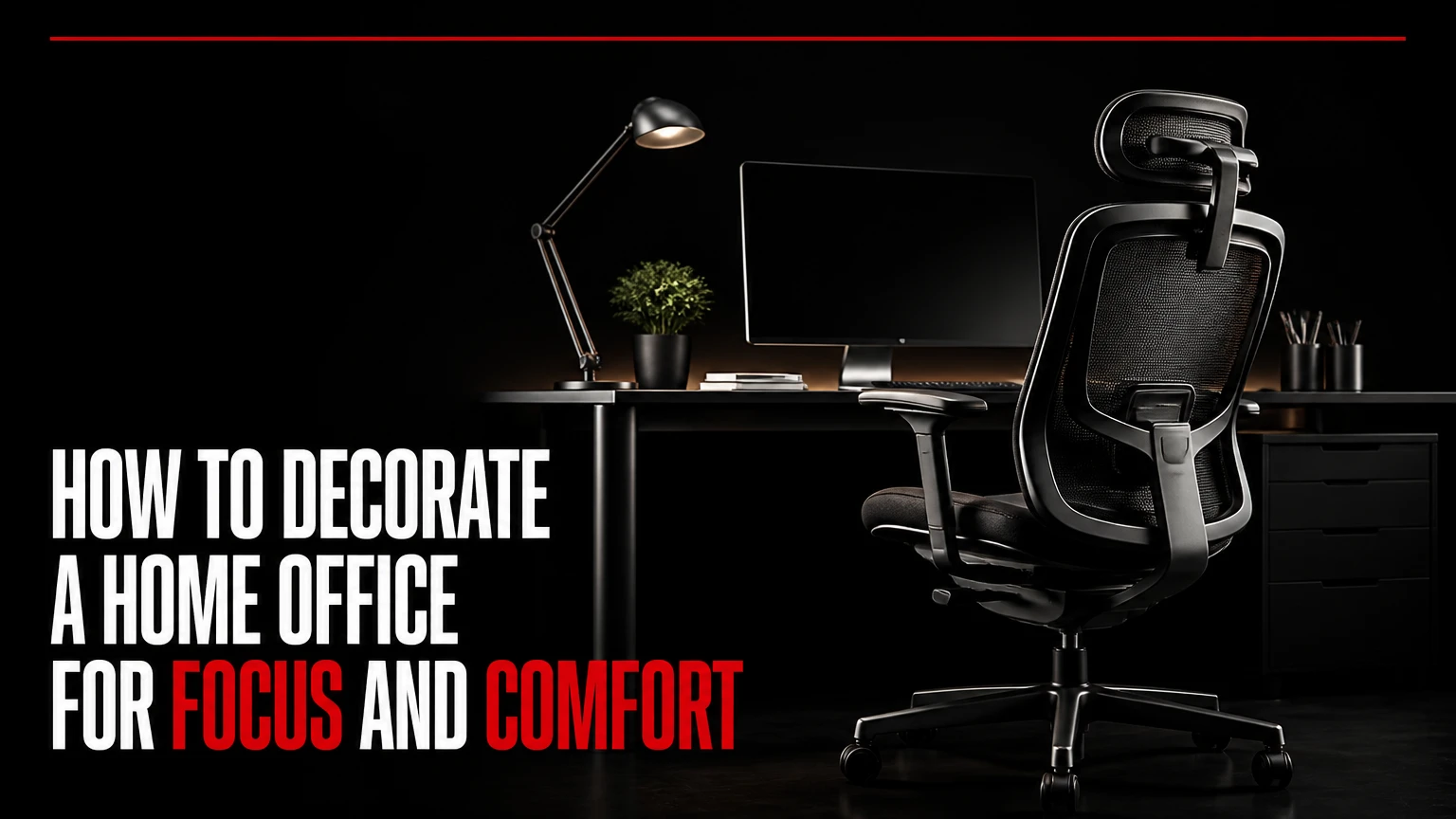
To decorate a home office, first arrange the desk, chair, power, and daylight around the work you perform, then add layered lighting, storage, acoustic control, and personal items. A successful home office keeps the monitor glare-free, supports a neutral seated posture, limits visual clutter, controls background noise, and looks connected to the surrounding home.
Key Facts at a Glance
- A typical home office setup takes 2-5 days and costs about $300-$800 when existing furniture is reused.
- A 24-30 inch desk depth usually provides more practical monitor clearance than a shallow console.
- Place a monitor about 20-40 inches from your eyes, with the top of the screen at or slightly below eye level.
- Use daylight from the side rather than directly behind or in front of the monitor.
- A task chair needs adjustable seat height, lumbar support, back angle, and arm height when those features fit the user.
- Rugs, curtains, upholstered furniture, and filled bookcases reduce echo more efficiently than bare painted walls.
What Does Home Office Decoration Include?
Home office decoration combines spatial planning, ergonomic furniture, lighting, storage, acoustics, and visual styling. Paint and artwork matter, but they cannot compensate for a desk that blocks a doorway, a chair that causes pressure behind the knees, or a monitor positioned in a window reflection.
The practical objective is to create a reliable transition between home life and work mode. Environmental psychology research links visual order, daylight access, privacy, and personal control with perceived comfort, but room decoration does not directly regulate a person’s cortisol or dopamine in a predictable, design-controlled way. Those biological claims are often overstated.
A useful design test asks five questions:
- Can the user work for 60-90 minutes without repeatedly adjusting position?
- Can another person enter without striking the chair or desk?
- Can the user control glare, shadows, and webcam exposure?
- Can active paperwork and cables disappear within two minutes?
- Does the room still function when work equipment is switched off?
The fifth question prevents a home office from becoming a visually dominant workstation. The best residential offices support work without making the entire room feel commercial.
Before You Start: Time, Cost, and Materials
Plan 30-60 minutes for measurement and 2-5 days for a basic setup. A cosmetic refresh may take one weekend, while built-in storage, painting, electrical changes, and custom acoustic treatment can take 2-8 weeks.
| Project level | Typical cost | Typical time | Main result |
|---|---|---|---|
| Reuse and refresh | $150-$400 | 1-2 days | Existing desk, paint, lamp, cable sleeves, artwork |
| Budget setup | $300-$800 | 2-5 days | New desk, ergonomic mesh chair, storage, layered lighting |
| Mid-tier room | $1,500-$4,500 | 1-3 weeks | Sit-stand desk, adjustable chair, shelving, acoustic textiles |
| Custom office | $6,000-$15,000+ | 4-8 weeks | Built-ins, electrical work, architectural lighting, premium furniture |
Materials and tools: tape measure, painter’s tape, power strip with surge protection, cable tray, cable ties or hook-and-loop straps, desk lamp, floor lamp or ceiling diffuser, storage bin, rug, and wall-safe hooks. Add a stud finder and drill only when mounting shelves or panels.
Do not begin by buying decorative accessories. Measure the room, mark the proposed desk footprint with tape, and test the chair path before spending money.
Step 1: Choose the Best Location and Layout
Choose a desk location that provides daylight from the side, at least 30-36 inches of walking clearance, and direct access to power without crossing the chair’s leg area. A perpendicular relationship between the desk and window usually controls screen glare better than facing the window or placing the window directly behind the user.
Use painter’s tape to mark the desk, chair pullout area, door swing, closet access, radiator, air vent, and circulation path. Keep permanent heating and cooling vents open. A computer tower needs several inches of exhaust clearance, particularly in a closet office or a room with a closed door.
For video calls, avoid a bright window directly behind the chair. The camera will expose for the window and leave the face dark. A window behind the monitor can also reflect into the screen, so test the layout at morning, midday, and late afternoon.
You will know the layout works when: the chair rolls back without touching a wall, the door opens fully, the user can reach an outlet without stretching, and the monitor remains readable during the brightest part of the day.
Common mistake: placing the desk in the visually attractive center of a room while sacrificing storage access or cable routing. A wall position often creates more usable floor area.
Step 2: Map Power, Connectivity, and Equipment
Map every power and data requirement before finalizing furniture. Count the computer, monitors, speakers, desk lamp, phone charger, printer, router, and future equipment, then select a surge-protected power strip with enough outlets and a cable path that remains separate from the user’s feet.
A typical dual-monitor station may need six to eight connected devices. Route cables through an under-desk tray, then use one vertical sleeve down the rear desk leg. Avoid loose loops on the floor because they collect dust, catch chair casters, and make cleaning difficult.
Ethernet is preferable for a stationary computer when a reliable wired connection is available. Wi-Fi 6 or newer equipment can work well, but walls, distance from the router, and neighboring networks affect performance. Do not hide a router inside a closed cabinet, because restricted airflow can increase heat and reduce reliability.
Keep power bricks off the floor when possible. Label both ends of cables before bundling them, and leave 10-15% spare capacity in the cable route for later changes.
You will know it works when: one cable reaches the wall, all charging points remain accessible, no wire crosses the chair path, and the computer’s exhaust is not aimed into a closed compartment.
Common mistake: buying a cable box before determining cable length. Short cables pull connectors out; excess cable creates a tangled bundle. Measure each route and buy lengths with modest slack.
Step 3: Anchor the Desk and Chair Around Your Body
Set the chair first, then adjust the desk to the chair rather than forcing your body to fit a decorative desk. The seat should allow both feet to rest on the floor, with knees near 90 degrees and approximately two fingers of space between the seat edge and the back of the knees.
The common fixed desk height of 28-30 inches is only a starting range, not a universal ergonomic requirement. Users with shorter or taller legs may need a keyboard tray, footrest, adjustable desk, or monitor riser to create a neutral position.
| Element | Typical target | Adjustment test | Frequent correction |
|---|---|---|---|
| Monitor distance | 20-40 inches | Text remains clear without leaning forward | Increase text size before moving closer |
| Monitor height | Top edge at or slightly below eye level | Neck stays neutral while reading | Lower monitor if chin lifts |
| Desk depth | 24-30 inches | Forearms fit while screen stays distant | Use a monitor arm on shallow desks |
| Keyboard position | 0-2 inches above seated elbow height | Wrists remain straight | Lower chair or raise desk carefully |
| Knee angle | About 90 degrees | Feet stay supported for 30 minutes | Add footrest if feet dangle |
| Chair clearance | 30-36 inches behind chair | Chair rolls back freely | Reduce furniture depth or reposition |
The Occupational Safety and Health Administration recommends adjustable workstations and neutral wrist, neck, and shoulder positions for computer work. Ergonomist Alan Hedge’s useful rule is, “There is no such thing as a perfect posture, only a posture that is appropriate for the task.” Movement matters more than holding one rigid pose.
Choose a chair with adjustable seat height, back recline, lumbar position, and armrests when those adjustments fit the user’s body. BIFMA certification can indicate that a chair meets relevant durability and safety tests, but certification does not prove that a particular chair is comfortable for every person.
You will know it works when: shoulders remain relaxed, elbows stay close to the torso, wrists are straight, and the user can recline slightly without losing screen visibility.
Common mistake: selecting an accent chair because it matches the room. A dining chair may work for short administrative sessions, but it is a poor primary chair for six-hour workdays.
Step 4: Build Three Layers of Lighting
Use three lighting layers: ambient light for the room, task light for paper and keyboard work, and background or accent light for visual balance. The goal is even illumination without a bright lamp or window competing with the screen.
The Illuminating Engineering Society commonly treats 300-500 lux as a useful general office-work range, with higher levels sometimes appropriate for detailed paper tasks. Lux describes light falling on a surface, while lumens describe light emitted by a lamp, so a lamp’s lumen rating alone cannot guarantee a suitable desktop level.
Use a neutral white task lamp around 3500-4500K during daytime work when alertness and color discrimination matter. Use warmer 2700-3000K ambient light in the evening to make the room feel less clinical. Color temperature is a visual preference and circadian consideration, not a guaranteed productivity control.
| Lighting layer | Typical range or feature | Placement | Best use |
|---|---|---|---|
| Ambient ceiling light | 300-500 lux on work area | Diffused overhead fixture | General room visibility |
| Task lamp | 400-800 lumens | Opposite writing hand | Documents and keyboard |
| Monitor bias light | 2700-4000K | Behind display, indirect | Reduces stark screen contrast |
| Video key light | 450-5600K adjustable | 30-45 degrees from face | Even facial exposure |
| Accent light | 2700-3000K | Shelf, wall, or floor | Background depth and evening comfort |
Place a right-handed user’s desk lamp on the left, and a left-handed user’s lamp on the right, to reduce writing shadows. For video calls, position the key light slightly above eye level and 30-45 degrees to one side. Turn off any lamp that creates a bright reflection on glasses.
You will know it works when: the keyboard has no hard shadow, the monitor has no visible window reflection, and the face is evenly lit without a bright halo behind it.
Common mistake: relying on a ceiling fixture directly above the chair. Overhead light can create eye sockets on camera and shadows across paperwork. Add light from the front or side.
Step 5: Add Storage, Acoustics, and Personal Style
Add storage according to work frequency: daily tools belong within arm’s reach, weekly materials belong in a drawer or nearby cabinet, and archival items belong outside the immediate work zone. Closed storage reduces visual noise, while one open shelf can provide useful access and display space.
Home offices often sound harsh because painted walls, glass, hard floors, and empty shelves reflect speech. A 5-by-7-foot rug, lined curtains, an upholstered chair, and books distributed across a shelf can reduce perceived echo at a lower cost than wall panels. Felt panels help when calls remain reverberant, but they do not block a barking dog or construction noise.
Keep decorative objects outside the primary peripheral viewing area. A practical starting rule is five to seven visible desk objects, excluding active work materials. Use a tray for current papers and a closed box for items that would otherwise remain scattered.
For color, matte finishes reduce reflections better than glossy paint. Soft gray, muted blue, warm white, sage, and restrained green work well when they fit the room’s daylight. A dark navy or forest green wall can create a strong executive backdrop, but it may make a small room feel enclosed.
You will know it works when: the desktop can be cleared in two minutes, calls do not sound unusually echoey, and decorative elements remain visible without competing with the monitor.
Common mistake: using open shelving as a substitute for storage discipline. Open shelves expose every box and cable, so reserve them for attractive, frequently used items.
Which Home Office Style Fits Your Room?
The best home office style depends on work type, room size, call frequency, and tolerance for visible equipment. Executive, minimalist, creative, and cloffice layouts can all work when the desk, lighting, and storage meet the user’s physical requirements.
| Style | Suitable room | Typical palette | Strongest feature | Main limitation |
|---|---|---|---|---|
| Executive office | 100+ square feet | Navy, walnut, forest green | Formal video background | Heavy furniture needs space |
| Minimalist studio | 60-120 square feet | White, gray, pale wood | Low visual distraction | Clutter becomes conspicuous |
| Creative lab | 90+ square feet | Neutral base, colored accents | Pinboards and flexible storage | Open materials spread quickly |
| Cloffice | 12-30 square feet | Existing room colors | Doors hide equipment | Limited depth and ventilation |
The executive style suits client-facing professionals who need a composed background and can accommodate a substantial desk. The minimalist studio suits analysts and writers who want fewer visual interruptions. The creative lab suits designers, artists, and makers who need reference material nearby.
A cloffice works in a closet or alcove only when ventilation, lighting, electrical safety, and chair depth are adequate. A folding desktop saves space, but it does not solve poor seating posture for long sessions.
How Should You Decorate for Different Work Styles?
Decorate around the dominant task rather than a generic profession label. Analytical work needs monitor depth, cable capacity, and heat management; creative work needs visible reference space; client-facing work needs acoustic control and a camera-ready background.
| Work pattern | Desk and equipment | Decorative priority | Useful upgrade |
|---|---|---|---|
| Developer or analyst | 30-inch desk, dual screens, cable tray | Low-reflection wall | Monitor arm and footrest |
| Writer or editor | 24-30-inch desk, one large display | Quiet, warm visual field | Curtain and dimmable lamp |
| Designer or photographer | Color-accurate display, sample space | Matte neutral wall | Adjustable color-rendering light |
| Consultant or lawyer | Camera, microphone, document storage | Balanced bookcase backdrop | Felt panels and key light |
| Student or hybrid user | Compact desk, laptop stand | Closed multipurpose storage | Folding chair mat or drawer unit |
A color-accurate creative workspace should avoid strongly colored light near the display because it can distort perceived hues. A consultant’s bookcase should contain enough material to avoid a blank wall but enough negative space to prevent a chaotic camera frame.
What Does a Home Office Cost to Decorate?
A functional home office usually costs $300-$800 when the room already has suitable electrical service and some furniture. The chair, desk, lighting, and storage consume most of the budget, while artwork and decorative accessories can wait.
| Item | Budget range | Mid-tier range | Buying priority |
|---|---|---|---|
| Desk | $80-$250 | $400-$1,200 | High |
| Task chair | $120-$350 | $600-$1,500 | Highest |
| Lighting | $40-$150 | $200-$700 | High |
| Storage | $30-$200 | $300-$1,500 | Medium |
| Rug and curtains | $50-$250 | $300-$1,000 | Medium for acoustics |
| Cable management | $15-$80 | $100-$300 | High for shared rooms |
Spend first on the chair if the user works for several hours daily. Spend first on lighting if the desk and chair are already adequate. Delay custom shelving until the room’s storage volume has been measured for at least two weeks.
A secondhand solid desk can reduce costs, but inspect it for wobble, sharp edges, unstable drawers, and insufficient depth. Cheap decorative shelving is not a safe substitute for a stable monitor surface.
Common Mistakes and How to Fix Them
A Bed-Adjacent Office Has No Visual Boundary
A bedroom desk beside the bed can blur rest and work, especially when the monitor remains visible after hours. Turn the desk perpendicular to the bed, add a curtain or folding screen, and store the laptop inside a cabinet when the workday ends.
A Window Behind the Chair Ruins Video Exposure
A window behind the user creates a bright background and a dark face. Rotate the desk 90 degrees, use a sheer shade to diffuse daylight, and add a soft front light for calls.
A Shallow Desk Forces the Monitor Too Close
A console under 20 inches deep often leaves insufficient distance for a display and keyboard. Use a monitor arm, a laptop stand placed behind an external keyboard, or replace the surface with a 24-30-inch desk.
Decorative Clutter Becomes Task Clutter
Open papers, chargers, samples, and notebooks quickly overwhelm a small workspace. Assign one tray to active work, one drawer to daily tools, and one archive location outside the immediate desk zone.
An Attractive Chair Causes Physical Strain
A dining chair or lounge chair can look correct and still lack height, lumbar, and recline adjustment. Replace it with an adjustable task chair, or limit the decorative chair to short reading sessions.
Closed Technology Creates Excess Heat
A computer, monitor hub, and printer inside a closed cabinet can raise local temperature and shorten component life. Leave exhaust space, keep vents clear, and move heat-producing equipment into open air.
Low-Cost and Small-Room Variations
A low-cost office can look intentional with one matte paint color, a reused desk, a secondhand lamp, a cable sleeve, and a fabric rug. Spend $25-$75 on cable control and task lighting before buying wall art, because those changes improve daily use more consistently.
For a small room, choose a desk 36-48 inches wide and 20-24 inches deep, then use vertical storage above the desk only if shelves do not interfere with the monitor or door. A wall-mounted folding desk works for laptop sessions, but users should pair it with an adjustable chair and an external keyboard when working longer than about one hour.
For a bedroom office, use a curtain, screen, or cabinet door to hide equipment. Keep the work surface out of the direct sightline from the bed when possible, and use warmer ambient lighting in the evening so the room can return to a sleep-oriented atmosphere.
For a shared living room, choose a desk with closed drawers and a finished rear panel. A back panel matters because the desk may be visible from multiple seating positions.
How Long Does Decorating Take?
A basic home office takes 2-5 days when furniture is available, while a custom office usually takes 4-8 weeks. The work expands when painting, electrical changes, built-ins, delivery delays, or wall-mounted storage enter the project.
| Task | Typical duration | Dependency | Completion test |
|---|---|---|---|
| Measure and test layout | 30-60 minutes | Empty floor area | Tape outline fits circulation |
| Assemble desk and chair | 2-5 hours | Deliveries and tools | Surface is stable and level |
| Route cables | 45-120 minutes | Final equipment location | No wire crosses feet |
| Paint and cure | 1-3 days | Ventilation and drying | Finish is dry and low odor |
| Install storage | 2-8 hours | Wall type and studs | Shelves remain level |
| Style and edit | 1-3 hours | Storage complete | Desktop clears quickly |
Do not schedule styling before furniture placement. Moving a desk after hanging shelves often creates misaligned heights and unnecessary wall repairs.
The Bottom Line
To decorate a home office successfully, begin with room measurements, daylight direction, power access, and chair clearance. Install the desk and chair before choosing accessories, then add monitor control, layered lighting, closed storage, acoustic materials, and a limited number of personal objects. A functional office should support the body, protect attention, and still feel appropriate when work equipment is off.
Frequently Asked Questions
What color is best for a home office?
Matte warm white, soft gray, muted blue, sage, and restrained green are dependable choices because they reduce glare and avoid strong color reflections. Dark navy or green can work for a video backdrop, but smaller rooms may need lighter surrounding surfaces to prevent a compressed appearance.
Should a home office desk face a window?
A desk should usually sit perpendicular to a window, with daylight arriving from the side. Facing the window can create screen contrast, while placing the window behind the user can produce webcam backlighting. Sheer shades help, but they do not replace a layout that controls glare.
How do I make a home office look professional?
Use a stable desk, an adjustable task chair, concealed cables, a neutral matte background, and a soft front light. A bookcase with organized books and approximately 20-30% open space creates depth without making the camera frame look staged or crowded.
How can I reduce echo in a home office?
Start with a rug, lined curtains, an upholstered chair, and books distributed across shelving. Add felt wall panels when speech still sounds reflective. These materials reduce reverberation, but they will not provide sound isolation from adjacent rooms or outdoor traffic.
What should be on a home office desk?
Keep only daily-use equipment and one controlled paper tray on the work surface. A practical setup may include a monitor, keyboard, mouse, lamp, notebook, and charger, while archives, spare cables, and inactive projects belong in drawers or nearby closed storage.
Is a sit-stand desk necessary?
A sit-stand desk is helpful for users who change position often, but it is not necessary for a comfortable office. A stable fixed desk paired with a properly adjusted chair, monitor height, keyboard position, and regular movement can support productive computer work at lower cost.